Online banking allows people to handle their finances without having to visit a physical bank branch. Checking account balances, transferring funds, paying bills, and reviewing transactions can be done from a smartphone or computer in minutes. This convenience, however, also means that more financial activity takes place through digital accounts that require careful handling.
Good online banking habits can reduce unnecessary exposure and help people spot suspicious activity sooner. These habits become particularly useful for older adults, who may use digital banking alongside email, shopping platforms, payment apps, and other online services. Learning a few simple practices can make everyday banking more secure without making it feel complicated.
Rethink How Often You Change Your Password
A password is the first layer of protection for an online banking account. Using an easy-to-guess password across several websites can create problems if another account is compromised. Someone who obtains a reused password may attempt to use it on other services, including financial accounts.
This helps mitigate the need to change passwords often. Yahoo Finance notes that a strong, unique password generally does not need to be changed frequently. Instead, focus on creating passwords that are long and complex while avoiding the use of the same password across multiple websites.
“I don’t think it is generally necessary to change your password more than once a year,” said Steve Weisman, a lecturer at Bentley University in Waltham.
A password manager can generate strong login credentials and keep them securely stored for later access. Password managers can also help people create and store unique passwords without requiring them to memorize every combination. This can be especially useful for anyone managing several online accounts.
Learn to Recognize Suspicious Messages
Suspicious messages are usually part of phishing scams, which remain one of the most common ways criminals steal banking details. These messages pretend to be from your bank or a trusted company. Scammers create urgency, asking you to click a link or share information immediately.
The National Cybersecurity Alliance advises taking a moment to pause before replying to an unexpected message. Taking a moment to evaluate the situation can help you avoid making a costly error. Never send passwords, PINs, or one-time verification codes through email or text.
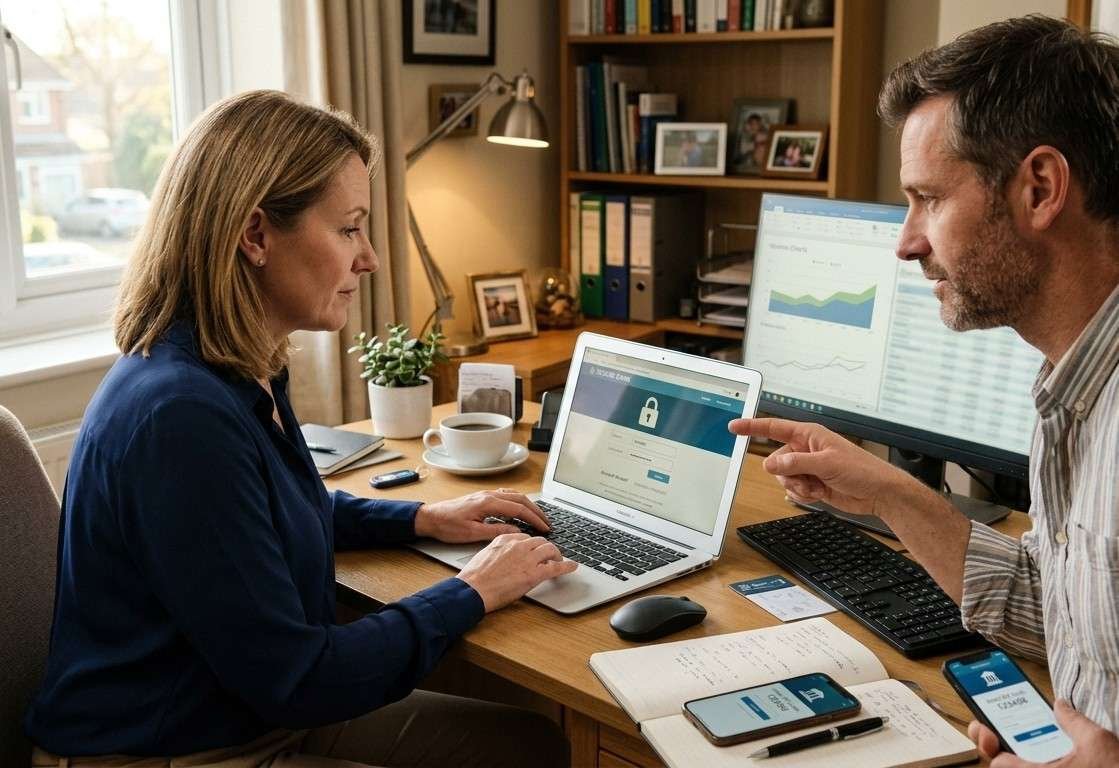
Seniors can be frequent targets of phishing scams, particularly if they are unfamiliar with common scam tactics. If you help a parent or grandparent manage their accounts, walk them through these warning signs together. Besides that, there are imposter calls, medical insurance, romance texts, and tech support scams they should be aware of.
Walking them through such messages is one of the most straightforward ways to protect seniors online. Family conversations about scams are just as valuable as technical safeguards. The goal is building shared awareness, not assigning blame when mistakes happen.
Turn On Multifactor Authentication
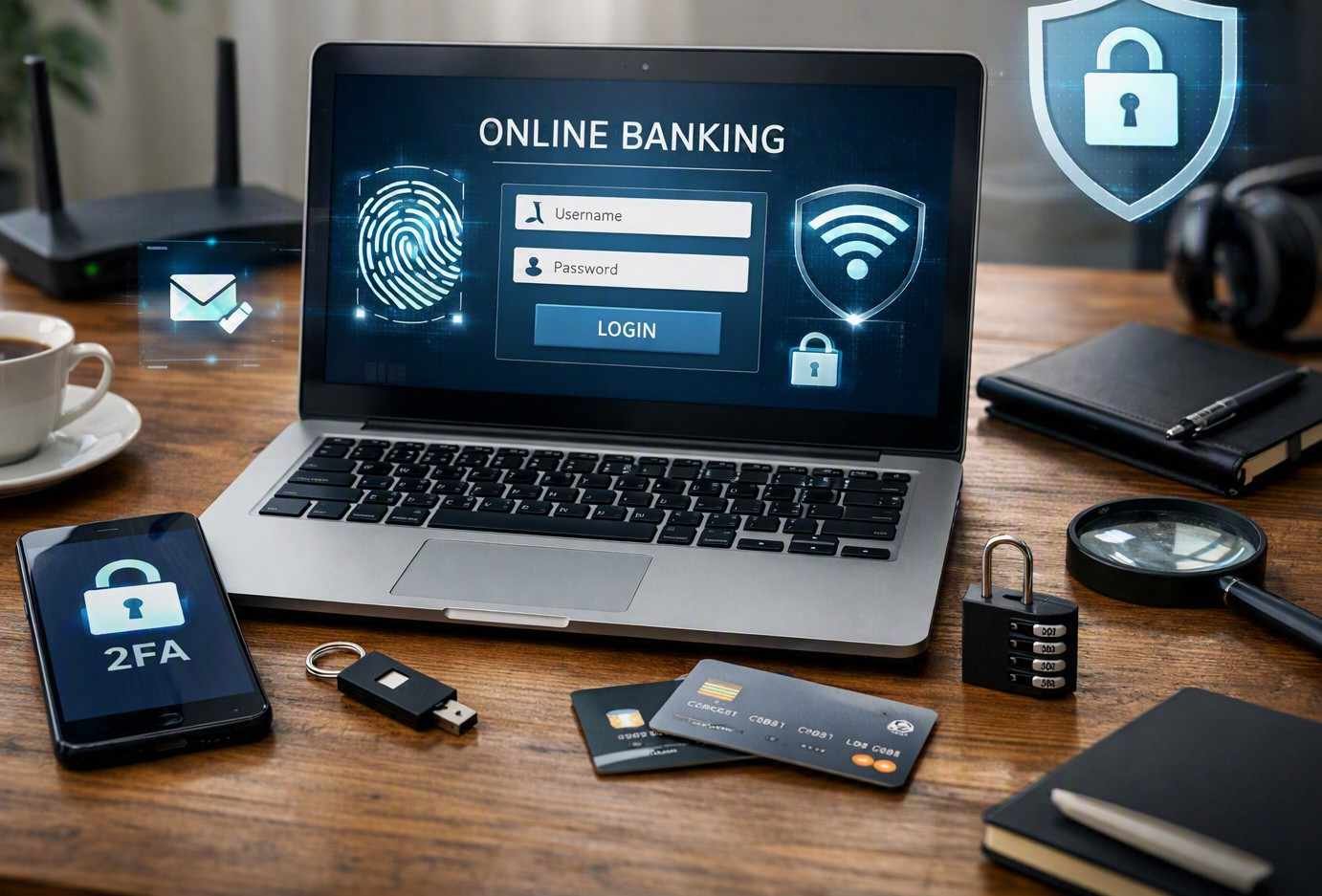
Relying solely on a password may not provide sufficient protection for an online account. Multifactor authentication requires an additional verification step when a person tries to sign in to an account.
This additional verification can be a text code, an authentication app, or a security key. Most major banks now offer their customers at least one of these authentication options.
Setting up two-factor authentication typically takes only a few minutes. Activating this feature is one of the easiest ways to lower the chances of someone gaining unauthorized access to your account.
Biometrics is also an excellent layer of protection to add to online banking. A 2025 study explored the use of keystroke patterns alongside voice recognition to authenticate banking users. The findings suggested that combining multiple biometric verification methods can substantially reduce the risk of fraud.
Such security measures create an extra barrier that can be significantly more difficult for criminals to replicate. You should also keep your recovery phone number and email address current. This lets you regain access if you lose a device or forget your credentials.
Avoid Banking on Public Wi-Fi Networks
You should think carefully before using unfamiliar networks for sensitive financial activity. When possible, online banking should be performed through a trusted home network or a secure mobile connection. If banking must be accessed while away from home, using a mobile data connection can be preferable to connecting to an unknown public network.
CNBC has reported a rise in “evil twin” attacks, in which hackers set up fraudulent networks that imitate legitimate ones. Travelers may connect to these networks without realizing that their data is being intercepted as they browse.
It is safer to handle banking tasks through a trusted cellular connection or a secure home network. If using public Wi-Fi is unavoidable, a reputable VPN can provide an additional layer of security.
You should also make sure your devices are protected with a screen lock. A strong PIN, password, fingerprint, or other supported authentication method can prevent casual access if a phone or laptop is misplaced.
Frequently Asked Questions
1. Is it a good idea to have a separate email address for your financial accounts?
Using a dedicated email address for banking and other important financial services can reduce exposure if your everyday email account becomes compromised. It also makes financial messages easier to identify among promotional emails and general correspondence. Keep this address private and avoid using it for public registrations or social media profiles.
2. What should you do before downloading a financial app?
Check the developer’s name, app reviews, download history, and permissions before installing a financial application. Make sure the app is available through your bank’s official website or a trusted app store. Avoid downloading banking software from advertisements, unsolicited messages, pop-ups, or websites that you do not recognize.
3. Is it safe to receive bank statements through email?
Electronic statements can be convenient, but your email account should have strong security protections because financial documents may contain sensitive information. Consider downloading statements to a private, protected device and deleting unnecessary copies from your inbox. Avoid forwarding financial statements through unsecured channels unless there is a specific reason to do so.
Online Banking Security: Key Stats and Facts
| 1× reused password | Can put multiple accounts at risk if compromised |
| 3 common MFA options | Text codes, authentication apps, and security keys |
| Combining multiple biometric checks | Can help lower fraud risk when combined |
| “Evil twin” attacks | Fake Wi-Fi networks can imitate legitimate ones |
| Preferred network connection | Home Wi-Fi or cellular data is preferable for banking on the go |
Online banking offers valuable convenience, but that convenience comes with a responsibility to handle financial information carefully. Small decisions, such as using a unique password, enabling multifactor authentication, and avoiding suspicious links, can reduce opportunities for unauthorized access. This becomes even more important when managing complex accounts or considering finance handled by profession for added oversight and support.
These practices are especially useful for older adults who are becoming increasingly comfortable with digital banking and other online services. With clear guidance and regular habits, everyone can continue using online banking with greater confidence while keeping their financial information protected.